

The world’s most popular email platform, Gmail, is undergoing one of its most significant changes since its launch in 2004. With more than 1.8 billion users globally, even small updates can have massive ripple effects—but this one is anything but small.
In 2026, Google introduced a long-awaited feature: the ability to change your Gmail email address without losing your data. While this sounds like a dream come true, cybersecurity experts—including reporting highlighted in Forbes—are warning that this update comes with serious security implications.
If you use Gmail (and chances are you do), this is not just another tech update—it’s a critical moment to secure your account.
📌 What Is the New Gmail Email Address Update?
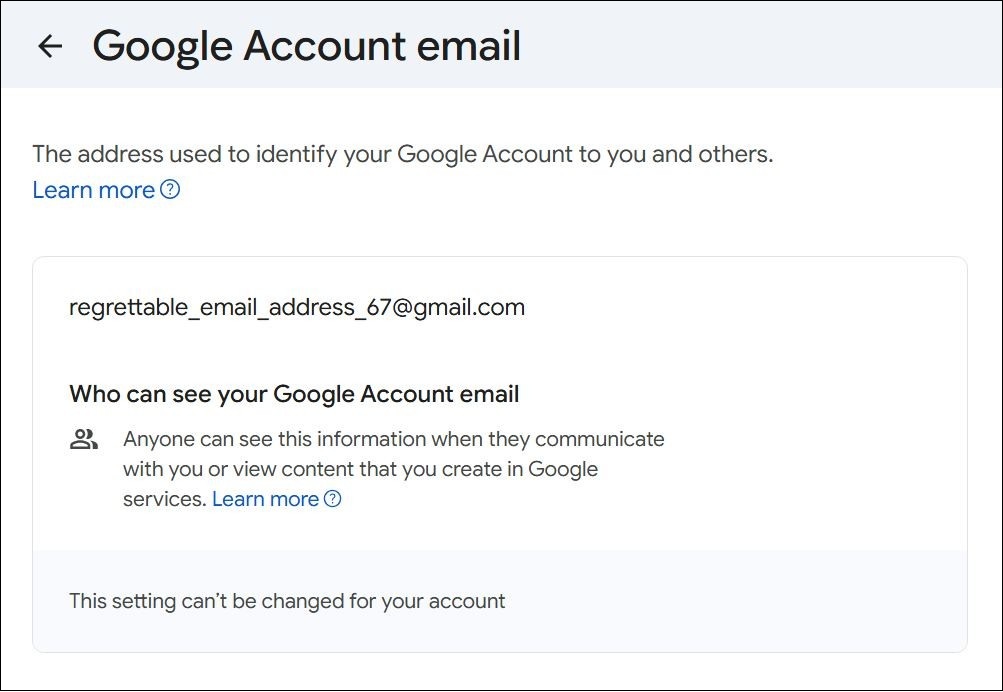
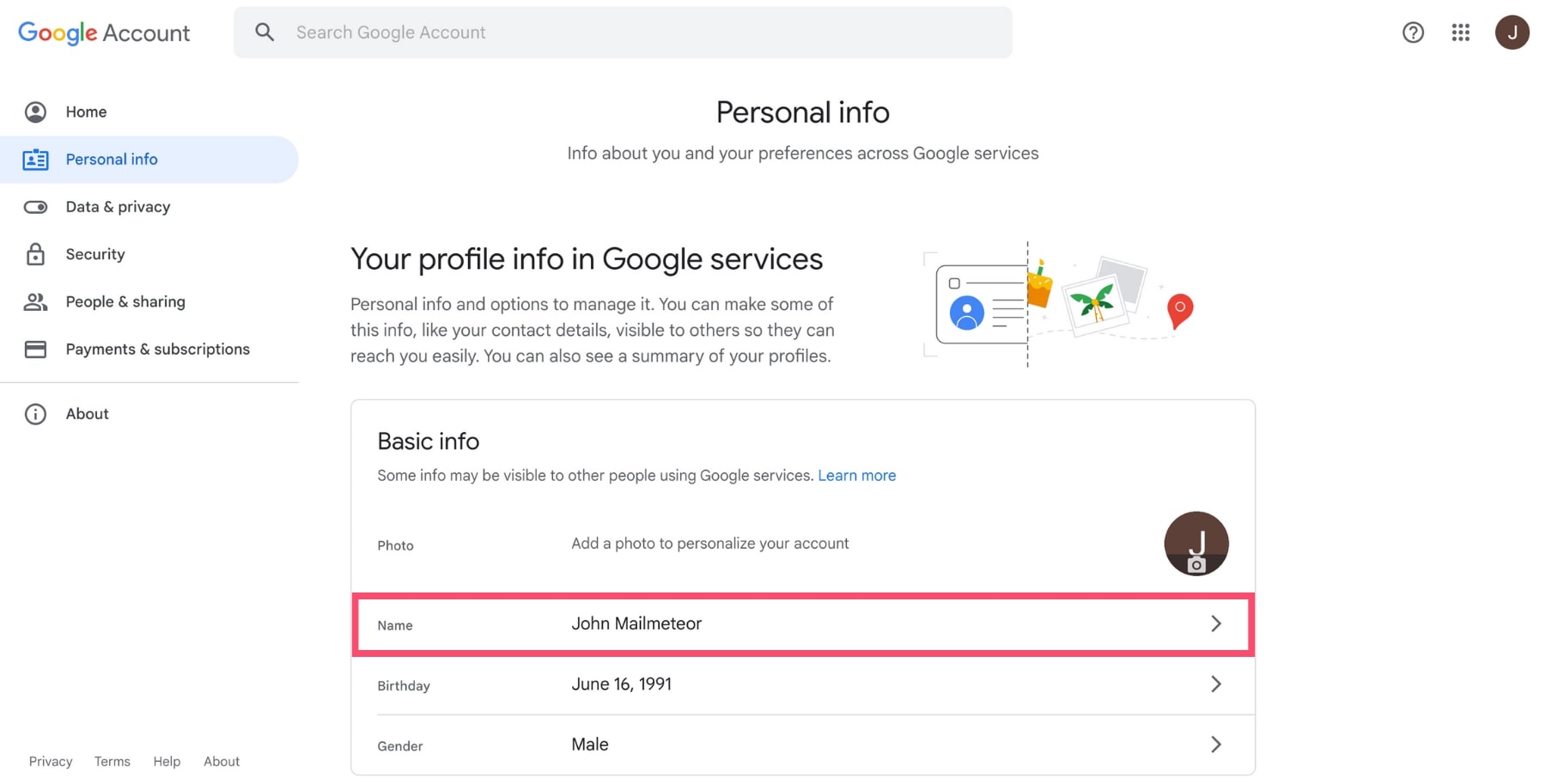
For over two decades, Gmail users were stuck with the email address they created—no matter how outdated, embarrassing, or unprofessional it became.That’s now changed.
🔄 Key Features of the Update
- You can change the username (the part before @gmail.com)
- Your emails, news24x7 contacts, files, and history remain intact
- Your old email becomes an alias, still receiving messages
- You can only change it once every 12 months
- There may be a limit of up to 3 changes per account
This update is rolling out gradually and is currently available in select regions, particularly the United States.
⚠️ Why This Gmail Update Is a Security Alert
While the feature is useful, it has opened the door to new types of cyber threats.
Cybersecurity experts warn that attackers are already exploiting confusion around the update.According to reports, phishing campaigns are increasing, with scammers pretending to be Google and urging users to “verify” or “update” their accounts.
🚨 Key Risks You Need to Know
1. Phishing Attacks Disguised as Gmail Updates
Hackers send emails that look like official Google alerts. These messages often include:
- Fake “update your email now” buttons
- Urgent warnings about account suspension
- Links to malicious login pages
2. Account Takeover Attempts
If attackers gain access during or after a username change, they can:
- Lock you out of your account
- Access sensitive emails
- Reset passwords on linked services
3. Identity Confusion
Changing your email address can:
- Confuse contacts and colleagues
- Break login connections with third-party apps
- Create opportunities for impersonation
🔐 How to Protect Your Google Account Right Now
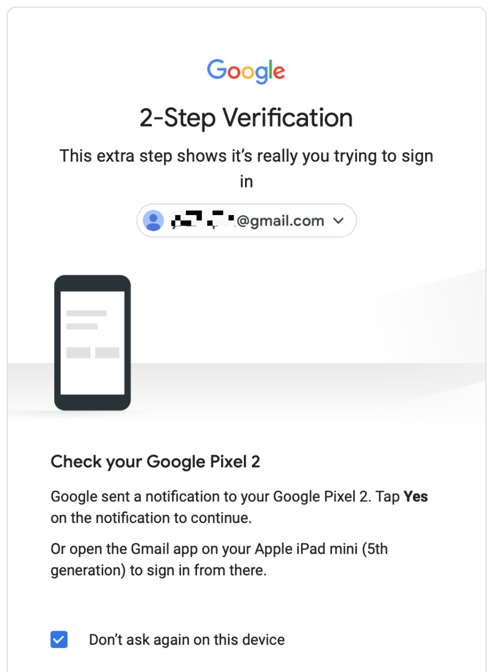


If you do nothing else after reading this article, follow these steps immediately.
✅ 1. Enable 2-Step Verification (2FA)
This adds an extra layer of protection beyond your password.
- Go to your Google Account → Security
- Turn on 2-Step Verification
- Use authentication apps or security keys
👉 This alone can stop most hacking attempts.
